
Top 6 Face Detection Software by Use Case (2026 Review)
 Sara AI Smith
In 2026, face detection has become an essential underlying technology across a wide range of industries. From surveillance and security systems to office access gates, from smart entry control to video anonymization, this technology is widely used in everyday applications. This article introduces 6 leading face detection software across different fields. Just find the one that best fits your needs!
Part 1: What to Consider When Choosing Face Detection Software
Before choosing the right face detection software, you should first match it to your specific needs and the right use case. Choosing the wrong tool can waste money, make your workflow more complicated, or even lead to serious legal penalties under modern privacy laws.
Face Detection vs. Face Recognition: What's the Difference?
These two terms are often used interchangeably, but they refer to very different technologies.
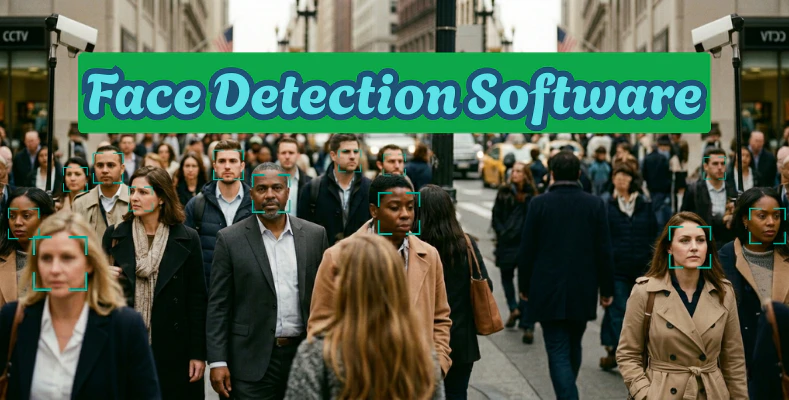
Face detection locates faces in an image or video and answers one question: Is there a face here, and where? It doesn't identify who the person is. This is what powers auto-blur tools, camera auto-focus, and crowd-counting systems.
Face recognition goes further — it compares a detected face against a database to answer: Whose face is this? It requires identity data, more processing power, and comes with much heavier legal implications.
A simple way to remember it: face detection sees a face; face recognition sees your face.
Most creative and productivity tools only need face detection. Face recognition is typically reserved for security and enterprise identity systems. Knowing which one you actually need will immediately narrow your options.
| Face Detection | Face Recognition | |
|---|---|---|
| What it does | Locates faces in media | Identifies who the face belongs to |
| Data required | None | Identity database |
| Common uses | Auto-blur, framing, counting | Security systems, access control |
| Privacy risk | Low | High |
| Regulatory scrutiny | Minimal | Significant (GDPR, CCPA, BIPA) |
Other Key Factors to Consider
Accuracy: Check how the software performs in real-world conditions, not just controlled demos. Lighting, angles, glasses, and masks can all affect results.
Liveness detection: Does the tool distinguish between a real face and a photo or screen? Important if you're using it for any kind of verification.
Deployment model: Cloud-based tools send your footage to external servers. If you're working with sensitive video, look for on-premise or offline options.
Privacy compliance: Laws like GDPR, BIPA, and PDPA regulate how biometric data can be processed. Make sure the tool you choose is compliant for your region.
Pricing: Some tools charge per API call, others use subscriptions. Per-call pricing can get expensive fast at high video volumes.
Part 2: 6 Best Face Detection Software Broken Down by Use Case
Choosing the right face detection software comes down to one thing: knowing what you actually need it for. A developer building an app has very different requirements from a security team monitoring live cameras or a content creator blurring faces in a YouTube video.
Quick Comparison of the Best Face Detection Tools
| # | Tool | Pricing | Video/Image | Real-Time Detection? | Beginner Friendly? |
|---|---|---|---|---|---|
| 1 | FaceFirst | Custom quote | Video | ✅ Yes | ❌ No |
| 2 | Microsoft Azure Face API | Free tier + pay-as-you-go | Image | ⚠️ Limited | ⚠️ Moderate |
| 3 | DeepFace | Free & open-source | Image | ⚠️ Manual setup | ❌ No |
| 4 | AVCLabs Video Blur AI | Free trial + subscription | Video | ❌ No | ✅ Yes |
| 5 | Amazon Rekognition | Free tier + pay-as-you-go | Both | ✅ Yes | ⚠️ Moderate |
| 6 | Amped FIVE | Custom quote | Both | ❌ No | ❌ No |
1. FaceFirst — Best for Live Video Surveillance
URL: https://www.facefirst.com
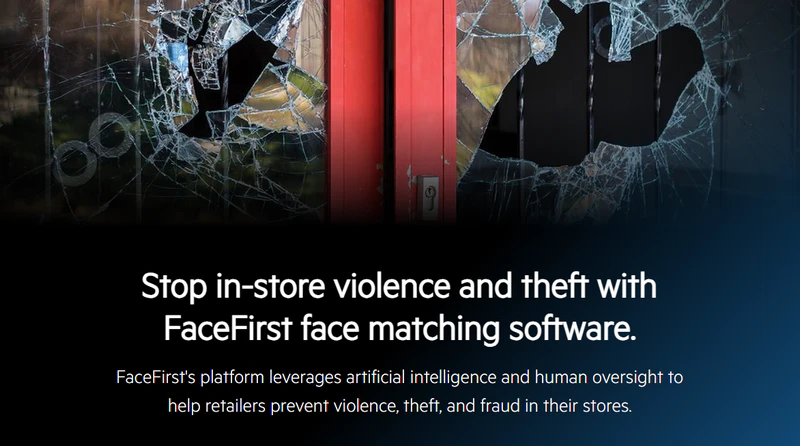
FaceFirst is a face detection software mainly used for real-time video stream facial recognition. When a camera captures a face, it can compare it against an internal database to check whether it matches a target person. It can also trigger alerts once a match is found. It is mainly designed for public environments such as retail stores, casinos, stadiums, and airports.
A common use case is identifying shoplifters or repeat offenders. Faces are added to the database, and when they appear in the camera's view, staff receive instant notifications. Its main advantages are real-time results and suitability for enterprise deployment. However, it is not suitable for regular users due to its high cost and complex setup.
Pros
- Fast real-time recognition with low latency
- Supports large-scale deployment across multiple cameras
- Optimized for security use cases with low false-positive rates
Cons
- Expensive, requires custom pricing
- Needs specialized hardware to operate
- Raises privacy concerns and may face legal restrictions
2. Microsoft Azure AI Face — Best for Image-Based Face Detection & Enterprise Apps
URL: https://azure.microsoft.com/en-us/products/ai-foundry/tools/vision
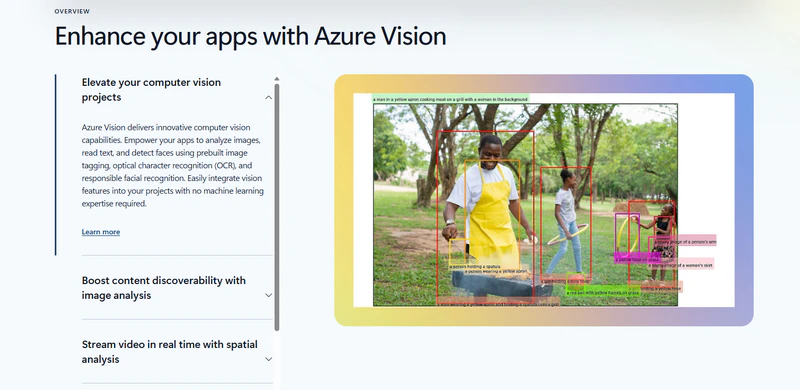
For image-based face detection and analysis, Microsoft provides a cloud API. It can detect the location of faces and also identify attributes such as whether a person is wearing glasses, a mask, or a hat. It is a simple face detection tool, and it can also be used for face verification—checking whether multiple images belong to the same person.
Businesses can use it for app login authentication, access control systems, employee attendance tracking, and similar tasks. If video processing is needed, it must be combined with Azure Video Indexer for editing and analysis.
Pros
- Backed by Microsoft, offering enterprise-level stability and security
- Supports multiple programming languages via SDK, easy to integrate
- Includes a free tier, suitable for small-scale testing
Cons
- Mainly designed for images; video support requires additional setup
- Requires development skills; not suitable for non-technical users
- Some advanced features (such as age and emotion detection) have been restricted or deprecated by Microsoft
👍 Read More: Top 8 Watermark Remover Apps in 2026: Online, Desktop & Mobile Solutions
3. DeepFace — Best Free & Open-Source Option for Developers
URL: https://github.com/serengil/deepface
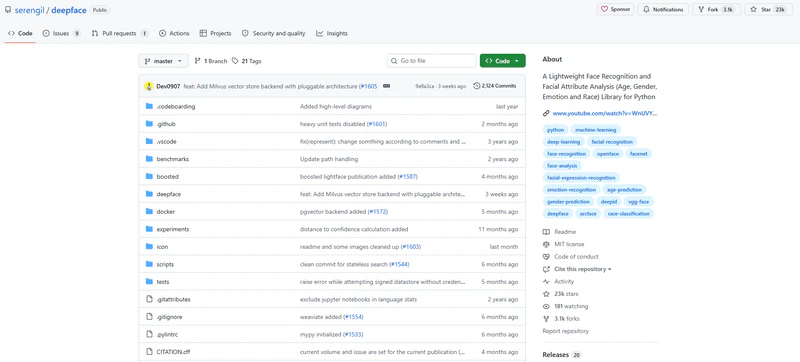
DeepFace is an image face recognition app developed by Facebook and is currently open source. Its main advantage is that it is free to use and supports industry-leading models such as VGG-Face, Google FaceNet, and OpenFace.
If you need to process videos, you can write your own code to extract frames and run detection frame by frame. Because of this, it is more suitable for technical users.
Pros
- Completely free and open source
- Integrates multiple mainstream models with high flexibility
- Python-friendly ecosystem with comprehensive documentation
Cons
- No graphical user interface; requires coding skills
- No native video processing support, must be implemented manually
- No official commercial support; relies on community help when issues occur
4. AVCLabs Video Blur AI — Best for Automatic Face Blurring in Videos
URL: https://www.blurvideo.ai/
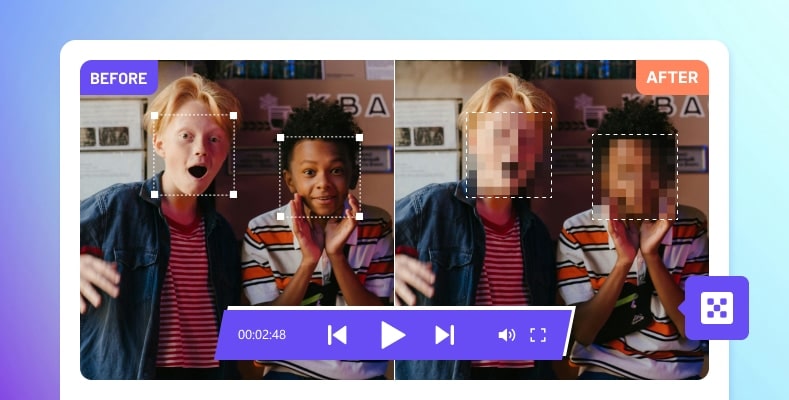
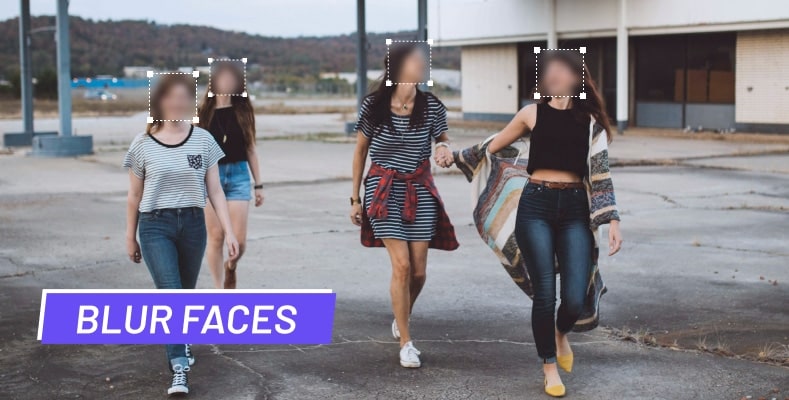
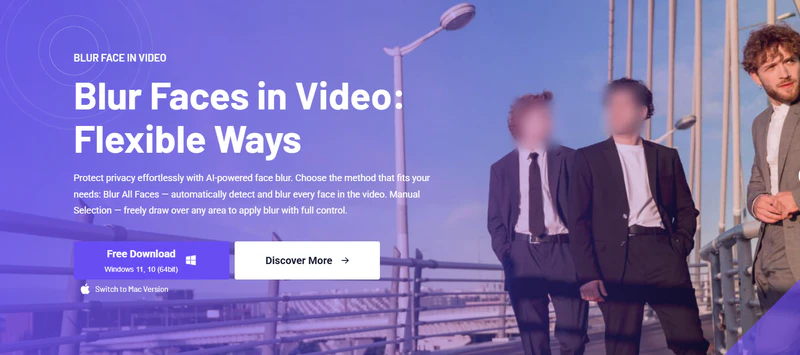
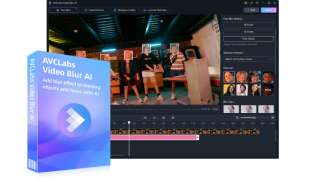
AVCLabs Video Blur AI is a face detection for video software designed specifically for automatically blurring or redacting faces in videos. After uploading a video, it automatically detects all faces and tracks them accurately throughout the entire footage. You can choose any face to blur.
It is ideal for privacy protection use cases, such as journalists or companies blurring passersby in street interviews, or anonymizing faces in meeting recordings. No coding skills are required, and it is as easy to use as a desktop application. It is the only video tool in this list that regular users can use directly.
Pros
- No coding required; easy for general users to get started
- Supports object removal from videos
- Automatically tracks faces throughout the video without frame-by-frame manual work
Cons
- Single-purpose tool focused only on blur/redaction, not recognition
- Processing speed depends on local hardware performance
- Free version has watermarks and limitations; full features require payment
5. Amazon Rekognition — Best for Cloud-Based Image & Video Face Detection API
URL: https://aws.amazon.com/rekognition/
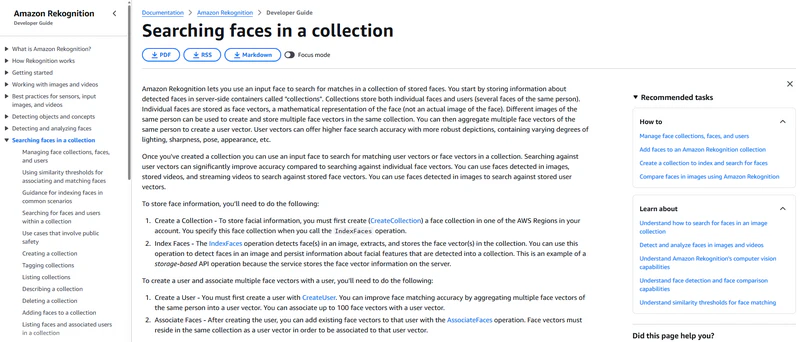
Amazon Rekognition is a cloud-based visual analysis service that supports both images and videos. Images can be processed in real time, while video processing is handled asynchronously. It offers a wide range of features, including face detection, face comparison, emotion analysis, content moderation, and celebrity recognition. However, video processing usually takes longer.
It is suitable for developers and enterprises who want to integrate these features into their own products to improve user experience or perform content moderation on video platforms. It is priced based on usage, with some free credits available, but costs can increase quickly under high-volume usage.
Pros
- Supports both images and videos, with a wide range of features
- Easy integration with the AWS ecosystem, highly scalable
- Pay-as-you-go pricing, cost-effective for small-scale use
Cons
- Costs can increase quickly with high concurrency or large-scale processing
- Has been reported to have lower accuracy for darker skin tones
- Fully cloud-based, so network issues or outages can affect performance
6. Amped Five — Best for Forensic Video Investigation
URL: https://ampedsoftware.com/five
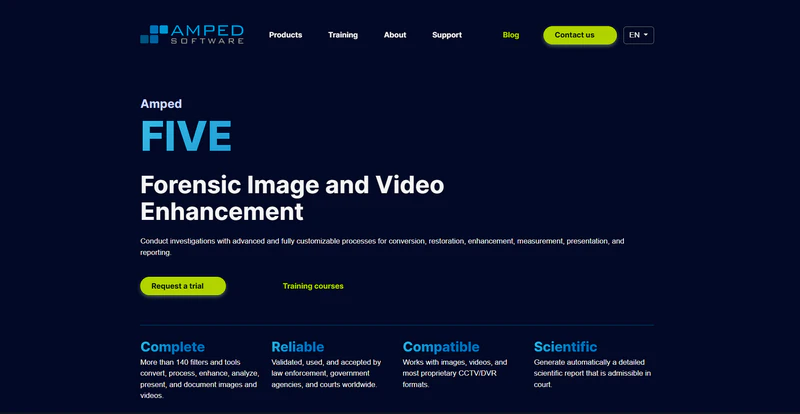
Amped FIVE is a forensic-level face detection software used for video and image analysis. Its main users are police departments, forensic institutions, and government security agencies. It offers features such as video enhancement (improving low-quality or blurry footage), face detail restoration, license plate recognition, image stabilization, and noise reduction.
Its biggest advantage is that the entire processing workflow is fully traceable. It automatically generates court-admissible reports, and every step, algorithm, and parameter is recorded to ensure a complete evidence chain. This is not a tool for general users because it is expensive and requires professional training.
Pros
- Court-admissible, with analysis reports that meet forensic standards
- Supports almost all surveillance video formats, including proprietary ones
- Fully traceable processing workflow, ensuring strong evidence integrity
Cons
- Very expensive, designed for institutions rather than individuals
- Steep learning curve, requires professional training
- Highly specialized features, not suitable for general users
👍 Read More: [Tutorial] How to Blur Background on Zoom
Part 3: [Tutorial] How to Use AVCLabs Video Blur AI for Face Detection & Blurring
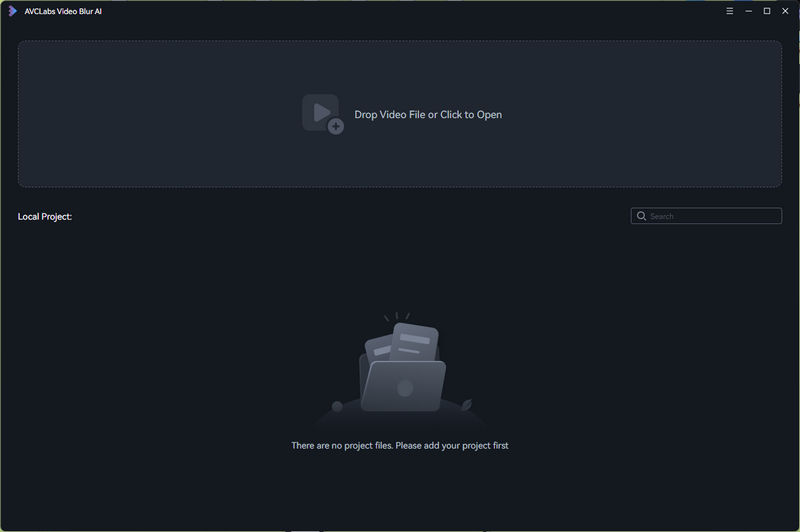
Step 1 Import Your Video File
Launch AVCLabs Video Blur AI and click on the "Drop Video File or Click to Open" button to upload your video file.
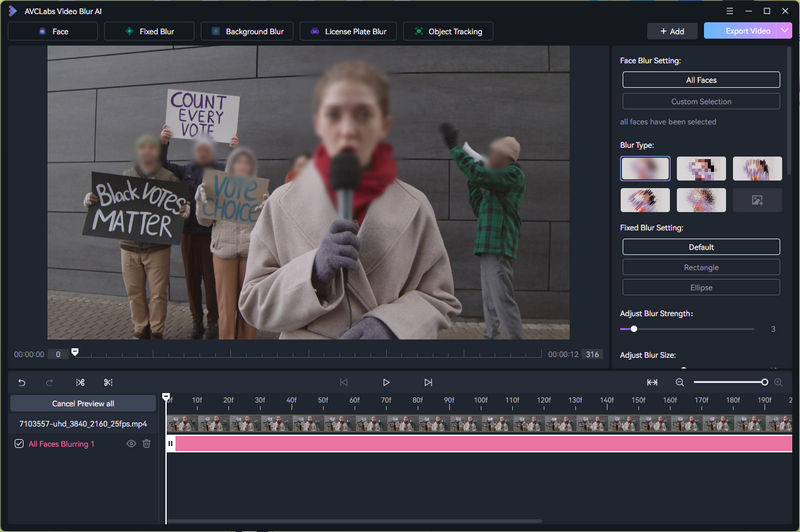
Step 2 Automatically Detect All Faces
After importing the video, open "Face Blur" mode. It will automatically scan the entire video and detect all visible faces frame by frame.
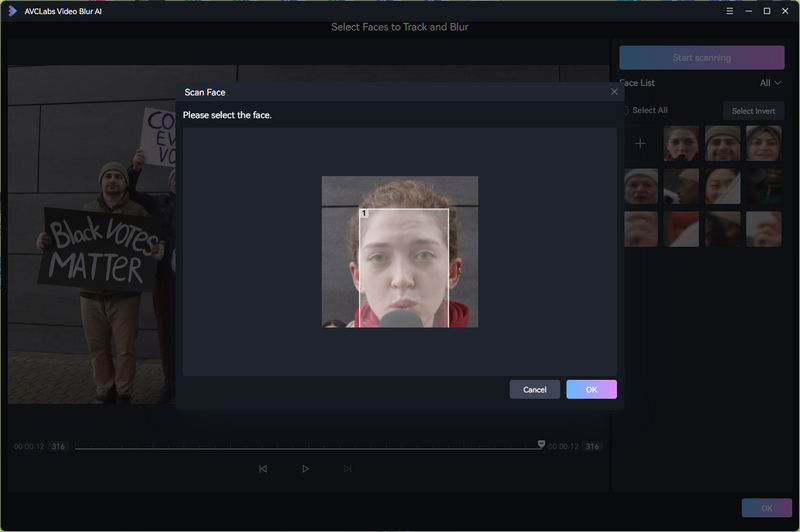
Step 3 Selectively Blur Faces
Once detection is complete, all detected faces will be highlighted. You can then choose to blur all faces with one click or manually select specific individuals to anonymize.
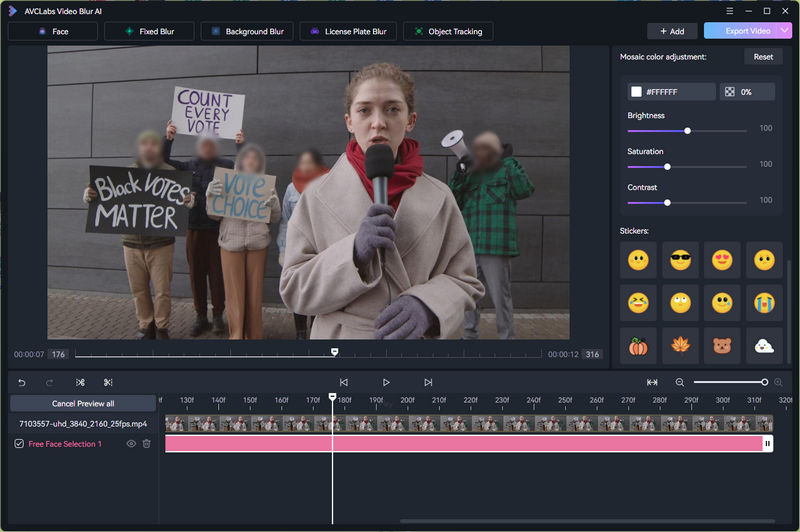
Step 4 Export and Save
After applying the blur effect, click "Export Video" button to process and save your video. You can choose the output format and resolution based on your needs.
Bonus Tip: Enhance Your Blurry Video With AI
If you're working with low-quality or blurry footage — whether it's old recordings, shaky handheld clips, or compressed surveillance video — face detection alone won't get you far. A blurry face is harder to detect, harder to blur accurately, and harder to analyze.
That's where AVCLabs Video Enhancer AI comes in. It uses AI to upscale and sharpen video footage before you run any face detection on it, giving you cleaner results across the board. Whether you're prepping footage for anonymization, investigation, or just improving overall video quality, it's a useful first step before feeding your video into any of the tools above.
Key Features of AVCLabs Video Enhancer AI
- Upscale anime video from 480p or 720p up to 4K resolution
- AI-powered line sharpening optimized for anime art styles
- Reduces compression noise and banding from low-quality streams
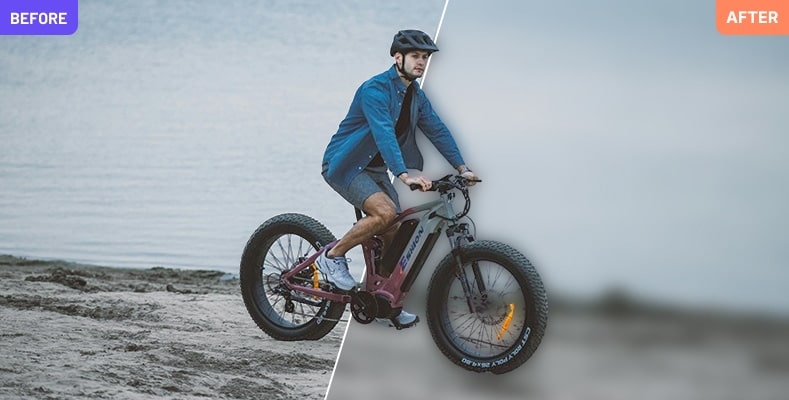
- Smart object blur to cover unwanted people or items
FAQ About Face Detection Software
Q1: What face tracking / detection / recognition softwares out there are open source?
A: The most well-known option is DeepFace, a Python library originally developed by Facebook. OpenCV also has built-in face detection that's completely free and open source. For more advanced recognition, OpenFace and FaceNet are popular choices among developers. All of these require some coding knowledge to use.
Q2: Why should I choose local desktop software over Cloud APIs?
A: A few good reasons: your video files never leave your computer, which matters if you're dealing with sensitive footage. You also don't need an internet connection, and there are no per-use fees that add up over time. The trade-off is that local software is limited by your own hardware, while cloud APIs can scale to handle much larger volumes. AVCLabs Video Blur AI is recommended.
Does face detection software get fooled by masks, glasses, or hats?
A: It depends on the software, but YES. These can all reduce accuracy. Masks are the biggest challenge since they cover most of the face. Glasses and hats cause issues mainly with recognition (identifying who the person is) more than basic detection (finding that a face is there). Newer AI models have gotten much better at handling partial occlusions, but no tool is 100% reliable in these conditions.
👍 Read More: 10 Best Video Redaction Software in 2026: Tested and Compared
Conclusion
In this guide, we walked through the key factors to consider before making a decision, and broke down 6 of the best face detection tools by use case — from free open-source options like DeepFace, to beginner-friendly desktop software like AVCLabs Video Blur AI, to enterprise-grade solutions like FaceFirst and Amped FIVE. Whatever your budget or technical background, there's an option on this list that fits.
Download AVCLabs Video Blur AI and Start Your Free Trial Today!